
Know What You're Buying
Before You Pay for It
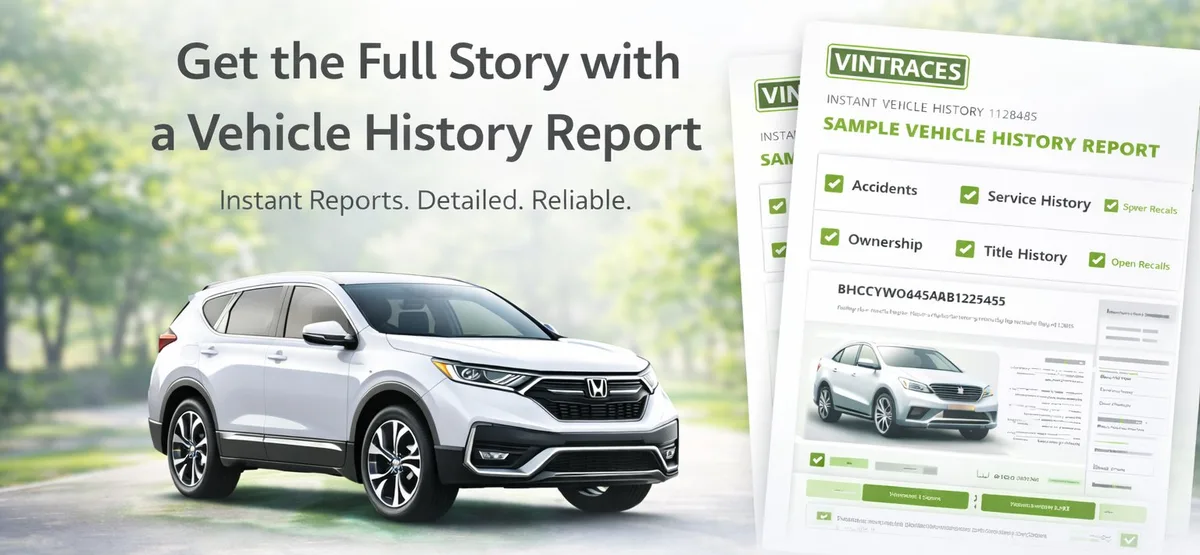
Full accident history, title brands, odometer records & more — for just . Instant delivery. No subscription.
50,000+
Reports Delivered
500+
Dealers & Fleets
98%
Satisfaction Rate
< 60s
Avg Delivery
Buy Credits & Save Up to 33%
1 credit = 1 Vehicle History Report. Use them anytime — they never expire.
Dealer Starter Pack
For dealers & high volume
$0.00 per report
🔥 853 sold
Get StartedNeed more than 25? See dealer pricing →Already have an account? Sign in
33%
avg. savings vs single reports
Are You a Dealer or Auto Professional?
Get wholesale pricing, bulk credits that never expire, and priority support — built for high-volume users.
Everything in Your Vehicle History Report
Get the complete picture before you buy. No surprises, no hidden history.
Accident History
Reported accidents, damage claims & collision records
Title Information
Clean title, salvage, rebuilt, flood, lemon law brands
Odometer Records
Mileage history to detect rollbacks & tampering
Ownership History
Number of owners, use type (personal, fleet, rental)
Service Records
Maintenance history, inspections & repair records
Recall Status
Open & completed recalls from NHTSA database
How It Works
Get your full vehicle history report in under 60 seconds.
Enter VIN or Plate
Type your 17-character VIN directly, or look up by license plate — we support both.
Secure Checkout
Pay just via Stripe — or use a credit if you've bought in bulk. Encrypted & never stored.
View & Save Report
Instant results. Save to your dashboard permanently or download as a PDF anytime.
What Our Customers Say
Verified reviews from real vehicle history report buyers.
4.9
Overall rating
50,000+
Reports delivered
98%
Would recommend
Marcus T.
"Pulled the report at the dealership and it showed two accidents they never disclosed. Walked out. Saved myself a massive headache."
Sophie R.
"Report came through before I even got back to my car. Clean history, bought it the same afternoon. Couldn't be easier."
Devin T.
"Checked four different cars before finding a clean one. Every report paid for itself immediately. Dealers hate that I know this exists."
Kira D.
"Odometer had been rolled back — report showed 94k miles when the seller claimed 41k. Unbelievable. This tool is essential."
Trevor K.
"Fleet vehicle with 60k rental miles not disclosed. Used the report to negotiate $2,800 off. The seller knew exactly what I had."
Priya F.
"Rebuilt title and the seller played dumb. Report caught it in seconds. Run this on every car — no exceptions."
Cole W.
"Flood damage from a hurricane two years ago. Seller had zero idea I knew. Walked away and found a clean truck the next day."
Jade S.
"Half the cost of other report sites. I ran six reports while shopping and found the right car. Would use this every single time."
Brody H.
"Lien on the title the dealer conveniently forgot to mention. Report flagged it instantly. Worth ten times what I paid."
Cara C.
"Compared five Tellurides before finding a genuinely clean one. VinTraces made it effortless. The time I saved alone was worth it."
Eli O.
"Battery replacement history, ownership records, everything. For EVs this is even more important. Bought with total confidence."
Tatum M.
"My boyfriend said I was being paranoid. Report showed three accidents. He's fully converted now — runs a report on every car he looks at."
Reid P.
"Had the full report before the test drive ended. That's how fast this was. Dealer looked nervous the second I pulled it up."
Zara G.
"Hail damage claim the seller didn't mention. Got $2,100 knocked off the price on the spot. Best $6 I've ever spent."
Blake L.
"Accident history convinced them to drop $1,900 without argument. The data did all the negotiating. I just showed them the screen."
Nadia N.
"Third car I checked had a washed title. VinTraces caught it. The first two were clean and I bought one of them. Totally worth it."
Flynn J.
"Used it right at the lot. The salesperson had no idea what I was looking at. Completely changed the power dynamic of the negotiation."
Haley A.
"Perfect maintenance record. Oil changes every 4,500 miles, no accidents, one owner. Bought it immediately. The history sold me."
Knox V.
"Auction car with structural damage nobody disclosed. Didn't bid. The person next to me did. I saved myself a very expensive mistake."
Isla E.
"Level of detail at this price point is genuinely shocking. Repair estimates, insurance claims, full timeline. I expected a lot less."
Cruz H.
"Talked a dealer down $2,600 with the report data on my phone. They knew I knew. Best few dollars I've ever spent on anything."
Wren B.
"Rental fleet car with 45k hard highway miles. Not the worst thing, but it wasn't what was listed. Report told me the truth when the seller wouldn't."
Invite friends. Earn free reports.
Every 10 people who sign up with your referral link = 1 free report credit added automatically.
Frequently Asked Questions
Everything you need to know about VinTraces.